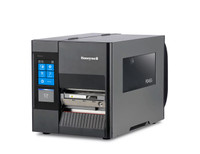
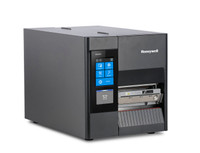

Honeywell PD45 and PD45S:
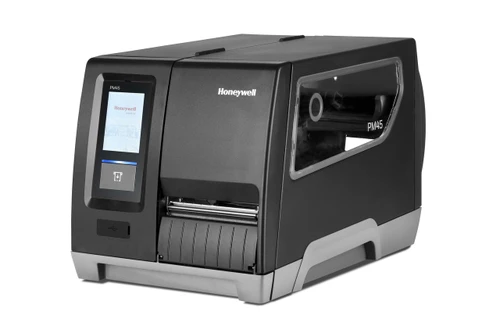
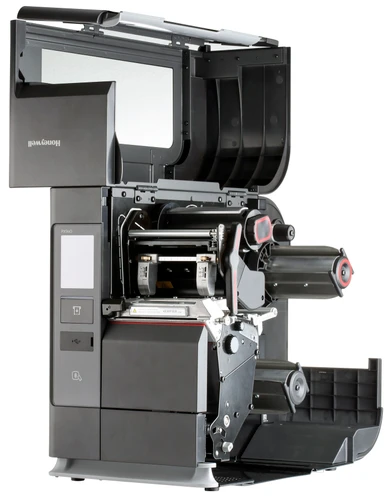
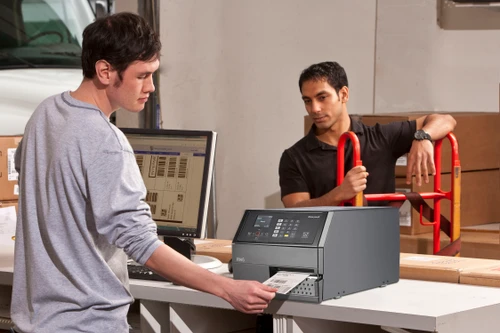
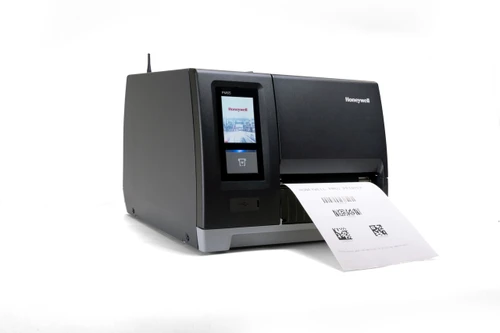
The Honeywell PD45 and PD45S are compact industrial barcode printers for businesses that have outgrown desktop printers but don't need a full-size industrial unit. Manufacturers, warehouses, retailers, logistics operations and healthcare facilities use them for shipping, product, inventory and compliance labels that have to scan reliably, shift after shift. Both models run multiple printer command languages, including ZPL-II emulation, so they can replace older Honeywell, Intermec or competing printers without rewriting your label formats.
Industrial Durability in a Compact Footprint
- Built to last — An all-metal frame stands up to dust, vibration and daily handling on the shop floor.
- Fits where space is tight — A smaller footprint than full-size industrial printers suits packing stations, workcells and crowded counters.
- Accurate label placement — Honeywell's dual-sensor positioning keeps barcodes and text where they belong, even on small labels.
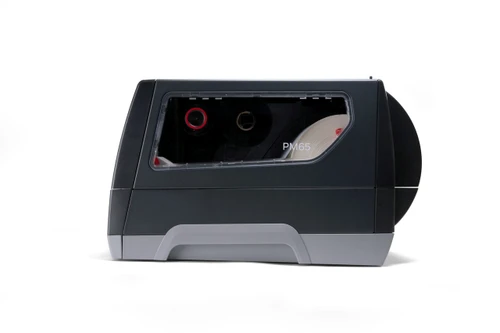
- Fewer supply changes — Large label rolls and long ribbons keep the printer running longer between changes.
PD45 or PD45S: Which Model Is Right for You?
- PD45 — The value choice for steady, moderate-volume labelling. Pick the Icon display for a simple USB-connected printer, or the LCD display to add network printing.
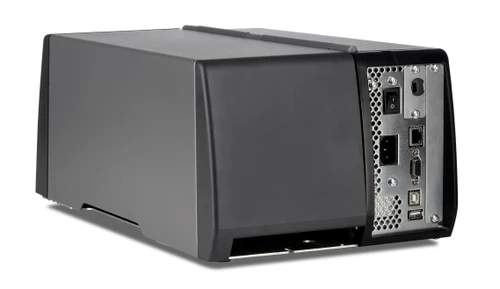
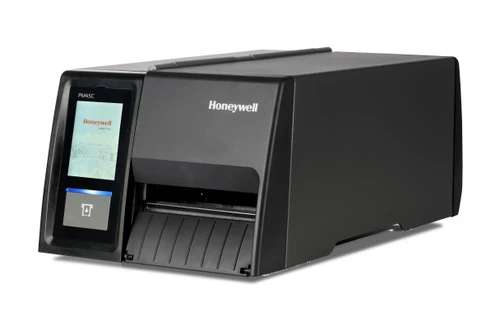
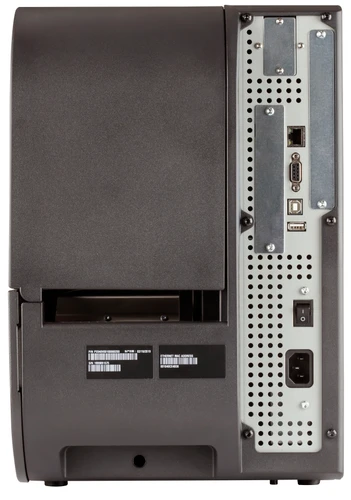
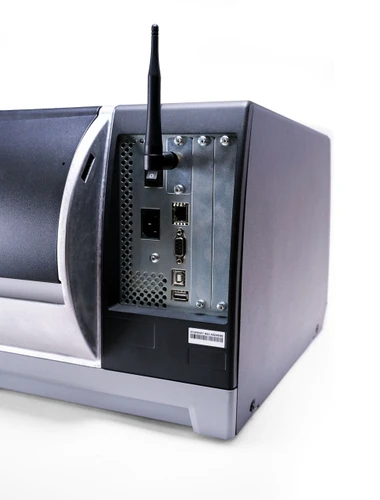
- PD45S — The faster, more expandable model for busier lines. It adds a colour touch display option, a peel-and-present rewinder and room for parallel, industrial and applicator interfaces.
Drops Into Your Existing Systems
The PD45 series speaks the printer languages your systems already use, including ZPL-II emulation and XML for SAP® and Oracle® WMS. Honeywell Smart Printing lets you run label apps on the printer itself, so simple jobs can run without a connected PC.
Easy to Set Up and Maintain
One-step driver installation gets new printers online quickly. A removable front sensor, easy printhead replacement and quick platen roller access make routine cleaning and maintenance fast, so your team spends more time shipping and less time servicing.
Choose the Right Configuration
- Icon display — Simple status lights for single-job stations connected to one PC.
- LCD display — Keypad menus for on-printer setup, with network printing built in.
- Touch display (PD45S) — Full-colour guided setup and diagnostics for multi-user shop floors.
- Peel with Liner Rewinder + Label Taken Sensor (PD45S) — Presents one peeled label at a time for fast hand application.
Ahearn & Soper provides PD45 configuration help, supplies and ongoing support across Canada. Call 1-800-263-4258 to confirm the right setup for your labels.
Shop compatible thermal transfer ribbons and thermal transfer labels, compare the Honeywell PM45 industrial printer, or browse all Honeywell barcode printers.